Create Your Own Bingo Cards for Kids with Digital Tools

Create Your Own Bingo Cards for Kids with Digital Tools
Bingo has long been a favorite game for families and classrooms alike. It’s simple, fun, and easy to adapt for any occasion—from birthday parties and school events to cozy afternoons at home. Thanks to today’s digital tools, you can now design your own bingo cards that perfectly match your child’s age, interests, and the theme of your event. Here’s how to get started.
Why Make Your Own Bingo Cards?
Creating your own bingo cards lets you personalize the game and make it more engaging for kids. Instead of the traditional numbered squares, you can use pictures, words, or symbols that children recognize and enjoy. Think animals, foods, cartoon characters, or even school subjects.
Bingo can also be a great learning activity. Younger children can practice colors, shapes, or letters, while older kids can work on vocabulary, math facts, or geography. It’s a playful way to combine learning and fun.
Choose a Digital Tool
There are plenty of free and easy-to-use online tools that make designing bingo cards a breeze. Here are a few popular options:
- Canva – A versatile design platform with ready-made bingo templates. You can customize colors, images, and text to fit your theme.
- My Free Bingo Cards – A simple online generator where you can enter your own words or pictures, and the site creates printable cards for you.
- Flippity.net – Uses Google Sheets to create interactive bingo cards that can be played directly on a screen.
- Bingo Baker – Lets you design both printable and digital bingo cards that can be shared via link or QR code.
Most of these tools require no design experience—you can have your first set of cards ready in minutes.
How to Design Kid-Friendly Bingo Cards
When making bingo cards for children, it’s important to think about both appearance and content. Here are some tips:
- Use images – Especially for younger kids. Pictures of animals, toys, or everyday objects are easier to recognize than words.
- Keep it colorful – Bright colors and clear contrasts make the cards more appealing and easier to read.
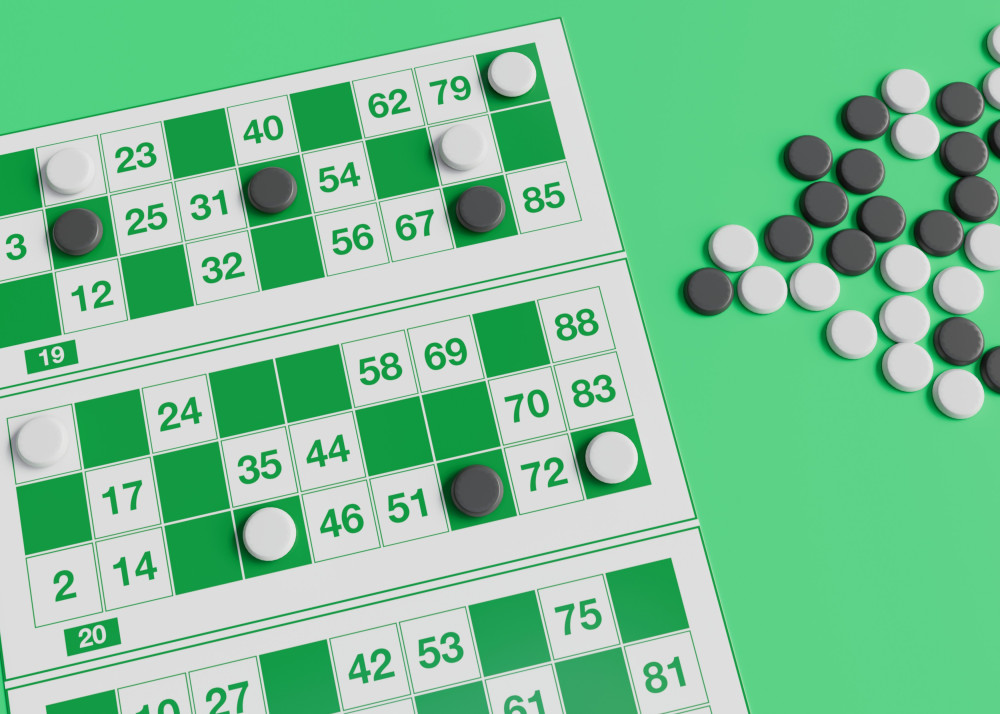
- Adjust the difficulty – For preschoolers, a 3x3 grid might be enough, while older kids can handle the classic 5x5 layout.
- Pick a theme – Try “Summer Bingo,” “Animal Bingo,” or “School Bingo.” A theme makes the game more cohesive and exciting.
- Create multiple versions – Most digital tools can automatically generate different card layouts so that no two players have the same one.
Print or Play Online
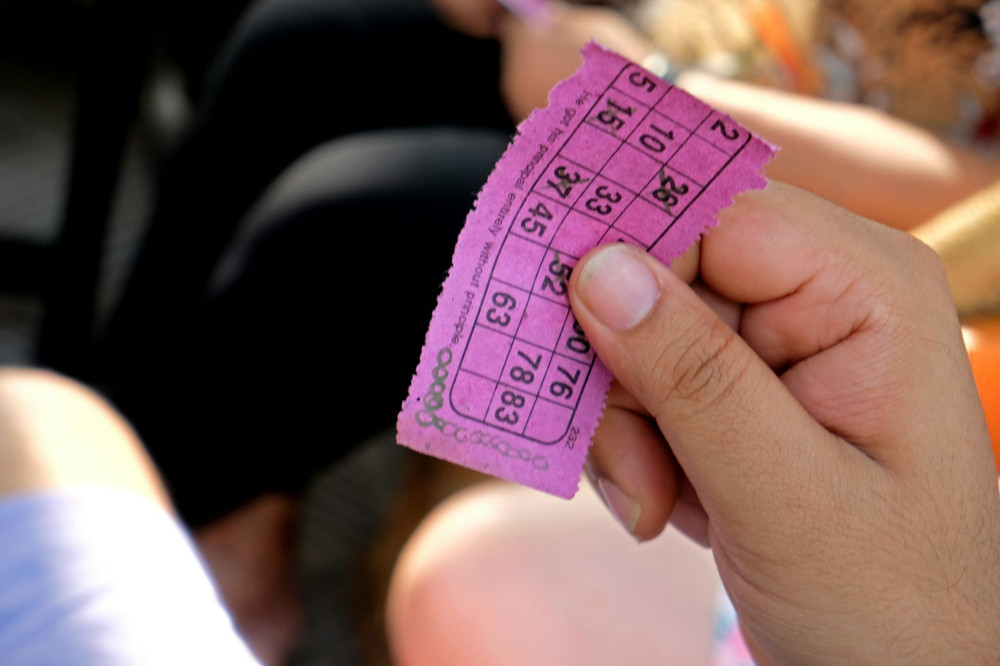
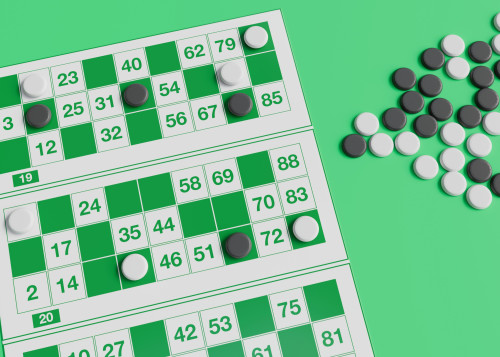
Once your bingo cards are ready, you can decide whether to print them or play digitally. Printed cards are great for in-person gatherings, where kids can mark squares with crayons, stickers, or markers. For virtual play—such as classroom activities or family game nights over video chat—kids can use tablets or computers to mark their cards online.
Some tools even allow the host to draw random words or images that appear on everyone’s screens at once, making it easy to manage the game remotely.
Make the Game Extra Fun
To keep kids engaged, add small prizes or challenges. The winner might get to choose the next game, pick a song, or receive a small treat. You can also include “action squares” that prompt fun tasks like “make a silly face” or “name an animal that starts with B.”
If you’re using bingo as a learning tool, let the kids help create the cards. They can suggest words, pictures, or categories, which gives them a sense of ownership and makes the activity more meaningful.
Læs også:
A Creative Activity for the Whole Family
Designing bingo cards together can be just as enjoyable as playing the game itself. Kids can help choose the theme, find images, and pick colors. It’s a wonderful way to combine creativity, digital skills, and play—and the result is a game you can enjoy again and again.
Whether you’re planning a birthday party, a rainy-day activity, or a classroom project, digital tools make it easy and fun to create personalized bingo cards for kids. All you need is a bit of imagination—and soon you’ll be ready to shout “Bingo!”
Læs også: